Project: Brenner
If you're encountering issues on mobile, see the text below. You can change the language to German or Bavarian in the settings.
Overview
You just had a great time on your vacation traveling across Europe. The next part of your journey brings you to Rome, Italy. Your car, however, won't leave your trip undisturbed. With a broken engine it is now up to you to get to Italy - and cross the Brenner Pass before your vacation is over.
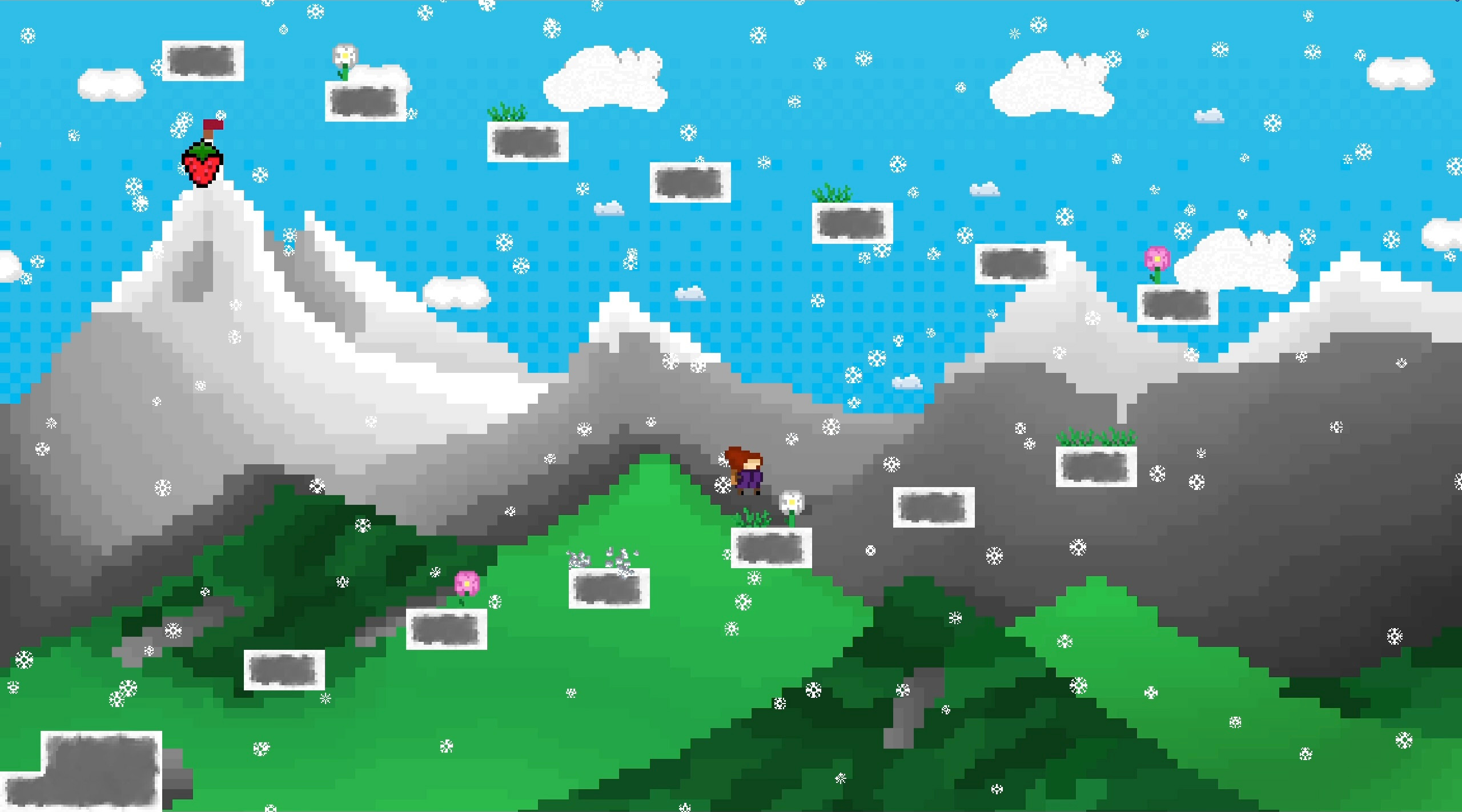
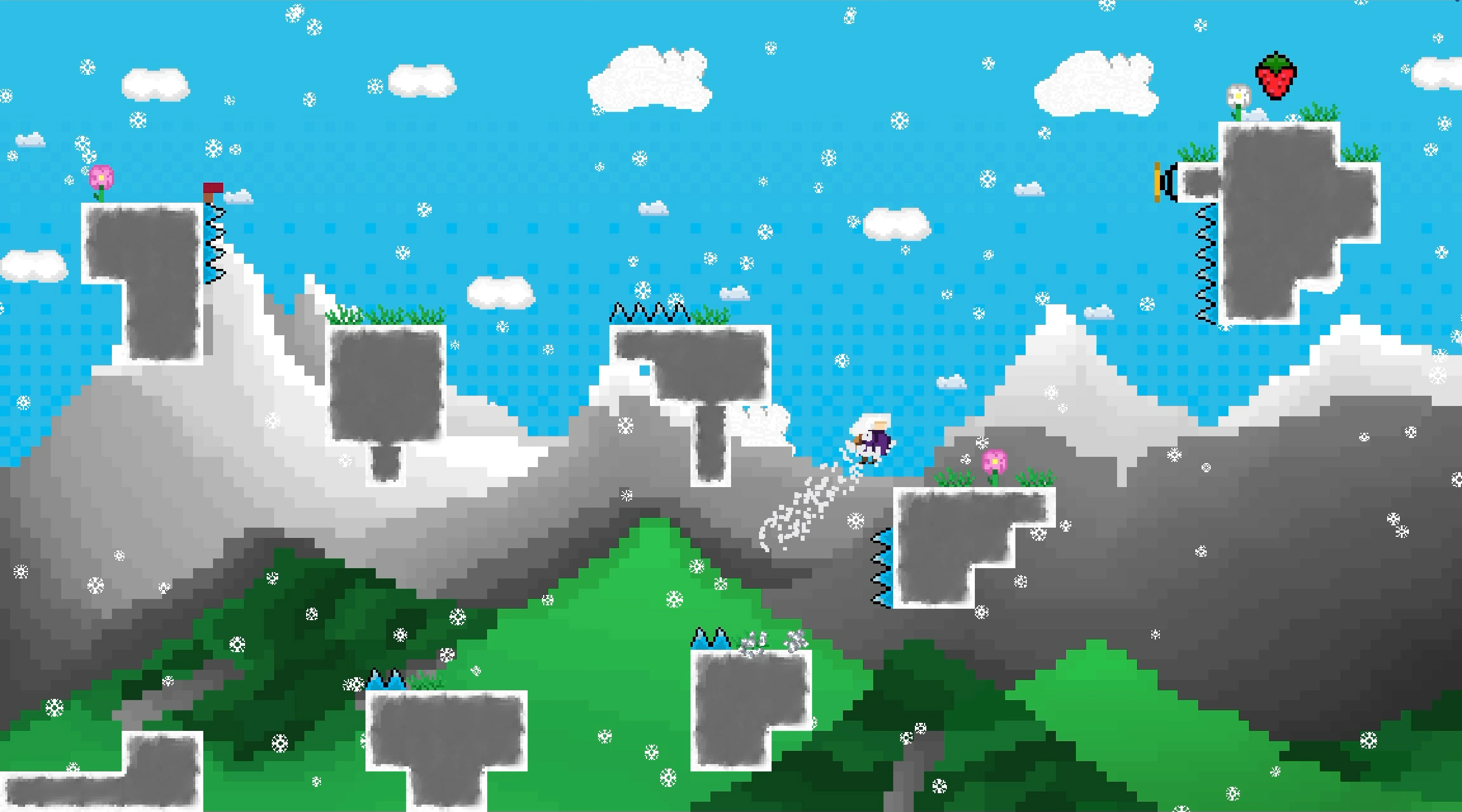
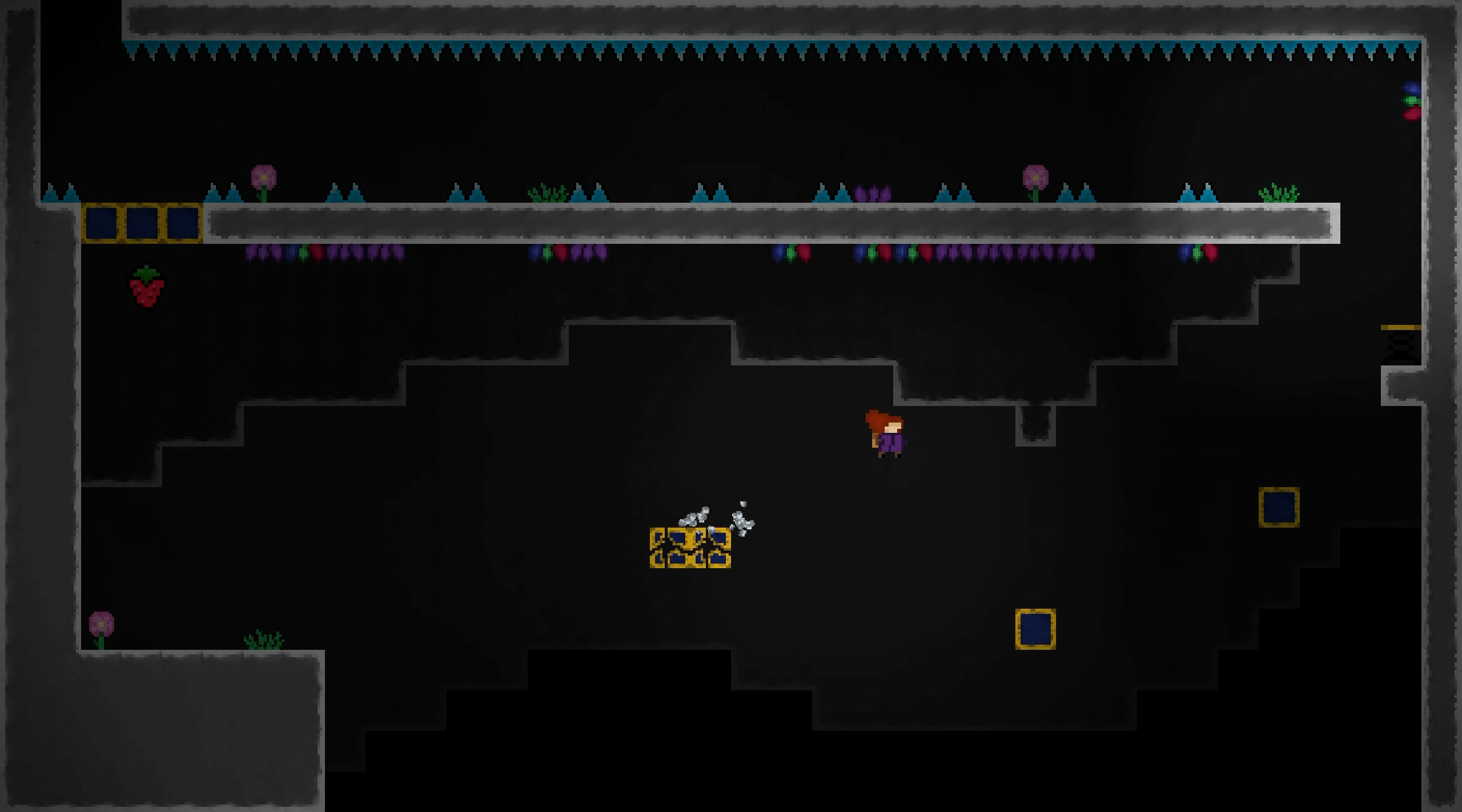
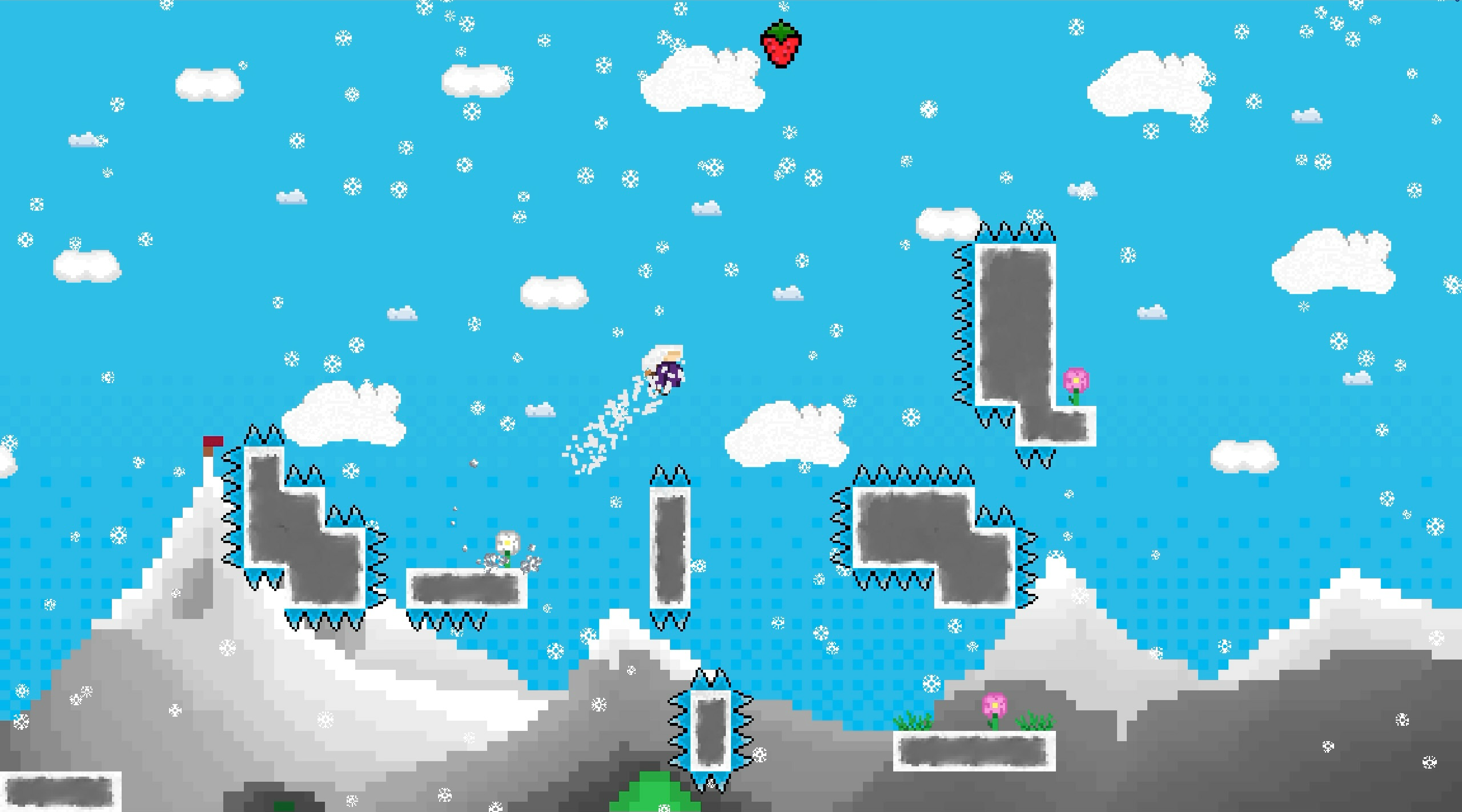
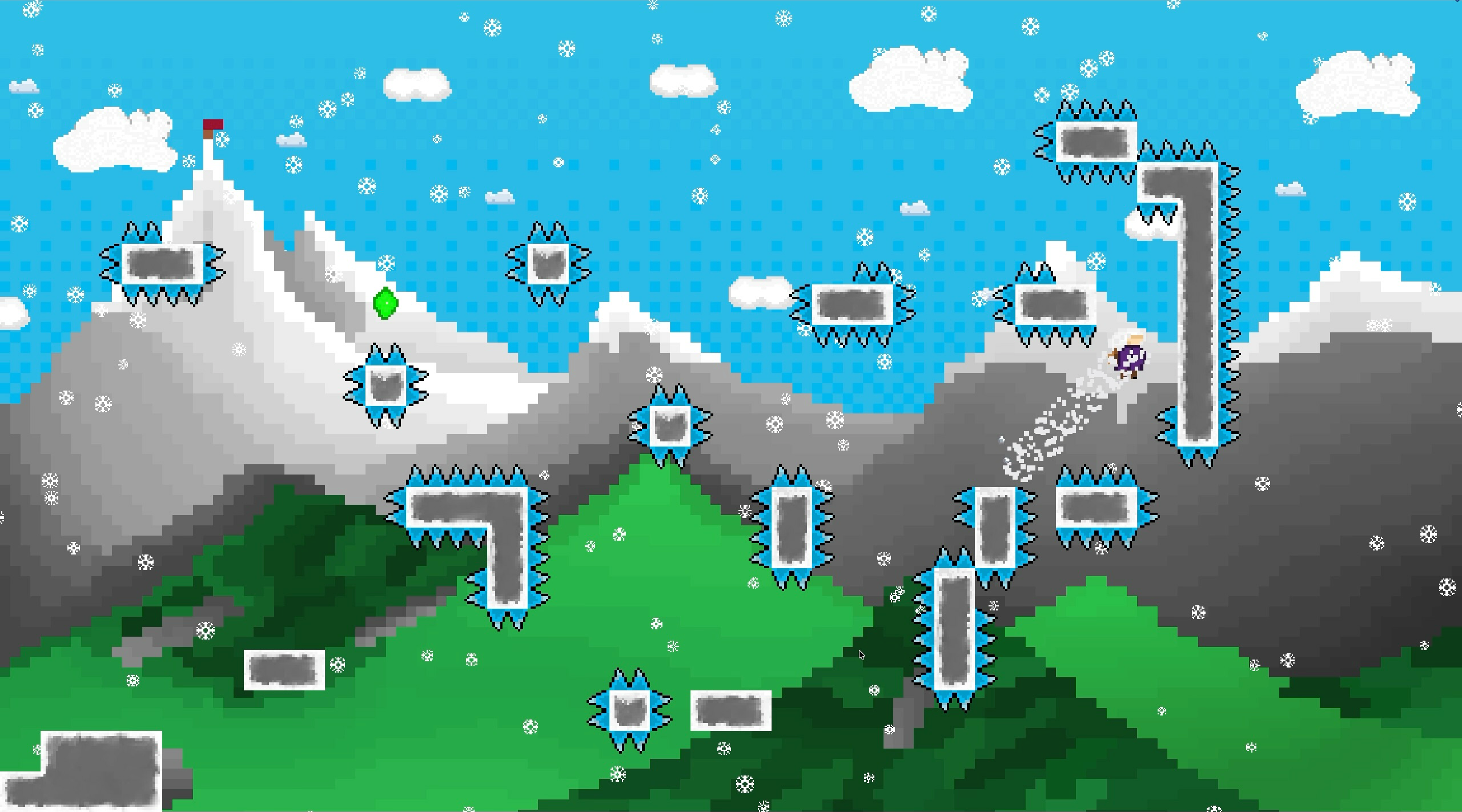
Cross the Brenner in 30 challenging pixel-platformer levels! Overcome the cliffs and obstacles you are faced with to save your vacation. And get to the peak in the process.
If 30 levels are not enough, you can try the harder b-sides as described below! Revisit an alternate version of every level* with greater difficulty and more obstacles. You'll need to use a few tricks if you really want to reach the peak again!
How you beat the game influences the outcome of the story. Feel free to try around, adjust the difficulty and get faster to attempt to achieve different endings.
*not quite every level yet - we're working on it.
Too easy?
Hard Mode
Try not to touch any grass. Think of it as... additional spikes. This way you can make the a-sides (that's what we call regular levels) a bit more challenging and interesting as it introduces new twists and routes to levels you've played before.
You may turn on hard mode at any point in the settings. Enabling it before you start your run, however, will change the narrative of the story.
Extra Levels ("b-sides")
In addition, those who are even more determined may experiment with the bonus levels for a challenge of an even greater difficulty. Experience the same levels for a second time, but with more obstacles standing in your way. This time however, you may even need to abuse glitches (we call them "features") to get to the top. How you find those glitches is up to you, but we recommend playing the levels in their regular order.
You may choose a level to start off at by using the level selector located in the settings. Runs started this way will not finish the story.
Still too easy?
You will be presented with a special challenge after beating the a-sides on hard mode and the b-sides regularly right after. Good luck!
Too hard instead?
No problem. You can use the cheats in the settings to adjust the difficulty and play the way you want:
- Start off at any level of your choice using the level selector
- Avoid levels you dislike using the level skip - or use the level skip backwards to play the greatest levels again
- Skip the hard parts or play around with infinite dashes
- Climb any wall using the infinite walljump - as long as it doesn't have spikes
Runs that use cheats will not finish the story and do not show the credits.
Or too slow?
You can also try to speedrun the game. The story changes as well, of course. You can try to reach these times for an optimal outcome:
- A time of 5 minutes or less for the a-sides only
- A time of 20 minutes or less for a-sides and b-sides in the same run
Controls
On PC:
Play with both hands on your keyboard.
Use either (recommended for right-handers):
- A and D to move left and right
- Space to jump
- While on a wall, press Space to walljump off of it
- O to dash
- Hold W, A, S or D or a combination of them when pressing dash to control the direction (e.g. hold W and D while pressing O to dash to the top right)
- C to skip the intro cutscene
- esc to access the settings or quit the game (if running as an application)
- If you have enabled the level skip cheat, use Ctrl + Shift + Up (arrow key) to skip to the next level or Ctrl + Shift + Down (arrow key) to skip to the previous one
or (recommended for left-handers):
- Use Left and Right (arrow keys) to move left and right
- C to jump
- While on a wall, press C to walljump off of it
- X to dash
- Hold Up, Left, Down or Right (arrow keys) or a combination of them when pressing dash to control the direction (e.g. hold Up and Right while pressing X to dash to the top right)
- C to skip the intro cutscene
- esc to access the settings or quit the game (if running as an application)
- If you have enabled the level skip cheat, use Ctrl + Shift + Up (arrow key) to skip to the next level or Ctrl + Shift + Down (arrow key) to skip to the previous one
On mobile:
- Use the arrow buttons on the left to walk left and right
- Press the up arrow on the right to jump
- While on a wall, press the up arrow on the right to walljump off of it
- Press the right arrow on the right to dash
- Hold an arrow button on the left when pressing dash to control the direction (e.g. hold the arrow facing toward the top right while pressing the dash button to dash to the top right)
- Use the right arrow button in the top right corner to skip the intro cutscene
- Use the x button in the top left corner to access the settings
- If you have enabled the level skip cheat, use the right arrow button in the top right corner to skip to the next level or the left arrow button in the top right corner to skip to the previous one
Additional Options:
- You can enable "Double jump to dash" in the settings. If enabled, pressing the jump keybind while midair will also trigger a dash, if possible. Walljumps have priority over this.
- For Mobile: If the buttons are too big, try enabling "Use small mobile buttons" in the settings for a better experience.
Data Saving
The game intentionally does not save any data. This means that you have to beat the entire game in one go. At the same time this allows any ending to hypothetically be achieved in the first run.
Issues on mobile devices
The game supports touch inputs using the interface shown when touch availability is recognized. If you wish to use the mobile controls but they are not shown by default, you may need to forcefully enable them in the settings. (Yes, you can play on PC using the mobile interface this way.)
If the mobile interface is too big, you can enable the smaller controls in the settings. We recommend this for any device significantly bigger than your average mobile phone.
Some mobile devices may encounter issues with the lighting which is why lighting is disabled on mobile by default, but can be enabled in the settings.
Issues on mobile devices using Safari
Safari on iOS sometimes failed to load the game during testing. You might need to use a different browser.
Just like with any other browser game, the browser's interface may disturb the gameplay. When using Safari this may help:
- Installing the game as a Web-App by adding it to the home screen in the share menu removes Safari's interface and helps load the game in fullscreen.
- Some other browsers may run the game properly or allow use of fullscreen.
- The game can be used in fullscreen after toggling on the Fullscreen API switch in Settings > Safari > Advanced > Feature Flags (at the very bottom of the giant list). Note however that Safari will exit fullscreen when you quickly swipe down and may interrupt with a warning regarding keyboard inputs. This also helped with issues loading the game.
Availability
We do not have any recommendations regarding a minimum device performance. If you are experiencing issues, try enabling "Performance mode" in the settings. Performance mode is enabled by default on web on mobile.
As stated before, the Lighting may not work properly on web on mobile, so it is disabled by default in that case, but can be enabled in the settings.
Project: Brenner can be downloaded, but we recommend using the itch.io app when downloading as the application may be blocked otherwise. (we didn't do any code signing or notarization)
Project: Brenner is available in English, German and Bavarian. The language can be changed in the settings, but always defaults to English.
Projekt: Brenner ist auch auf Deutsch verfügbar. Die Sprache, standardmäßig immer Englisch, kann in den Einstellungen geändert werden.
Projekt: Brenna kannst auch auf Boarisch spui'n. Eistellungen. Oben rechts.
Credits
Project: Brenner was made using Godot Engine 4.6 and 4.7.
Project: Brenner was coded by three people starting off with zero knowledge on how to use Godot and zero experience with pixel art in a rather short time. Adjust your expectations accordingly.
Beating the game without cheats will show the credits. If you wish to see the full credits, beat the b-sides without cheats. (And if you truly want to see everything, beat the special challenge.)
Project: Brenner obviously took inspiration from Celeste and Celeste Classic among others.
The soundtrack (an absolute banger) was composed by Ulrich Wiedemann.
Soundtrack rights: Ulrich Wiedemann © 2026
Download
Click download now to get access to the following files:
Development log
- 0.3.1 - Performance mode and Jump/Dash correction2 days ago
- 0.3.0 - Continuous mode3 days ago
Comments
Log in with itch.io to leave a comment.
You should look at this list of things that make Celeste feel good to play: https://x.com/MaddyThorson/status/1238338574220546049?lang=en
Thanks for the suggestion - we implemented parts of it.
Amazing Game! Kinda difficult tbh, but i love a challenge!